
Custom styling controls have been added to the GFI theme that allow administrators to manipulate padding, margins, text color, and background color. A new control has also been added to all existing color pickers to allow for any hex code to be selected.
To manipulate margins and padding, select “Dimensions” and click the plus sign.
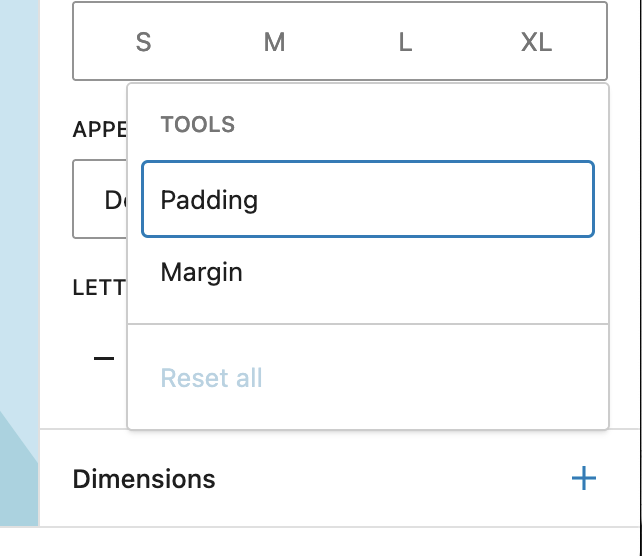
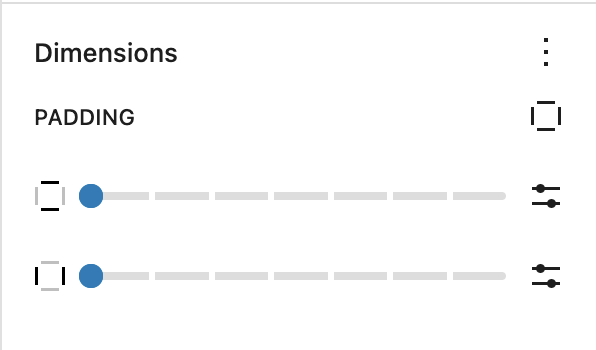
Once an option is selected, you can specify where the padding/margin should be and set custom sizes by clicking the slider bars on the right hand side.
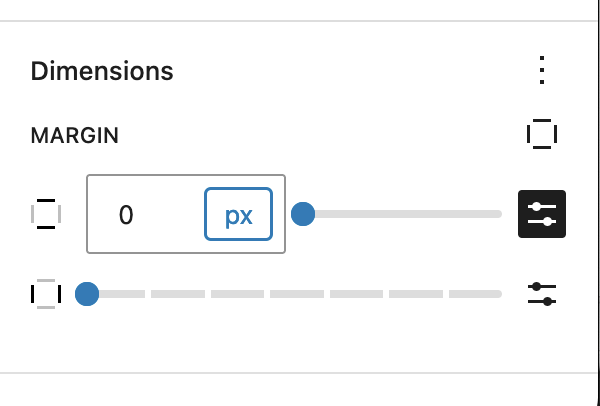
Zero margin can be selected to allow for a close visual effect between two elements:
