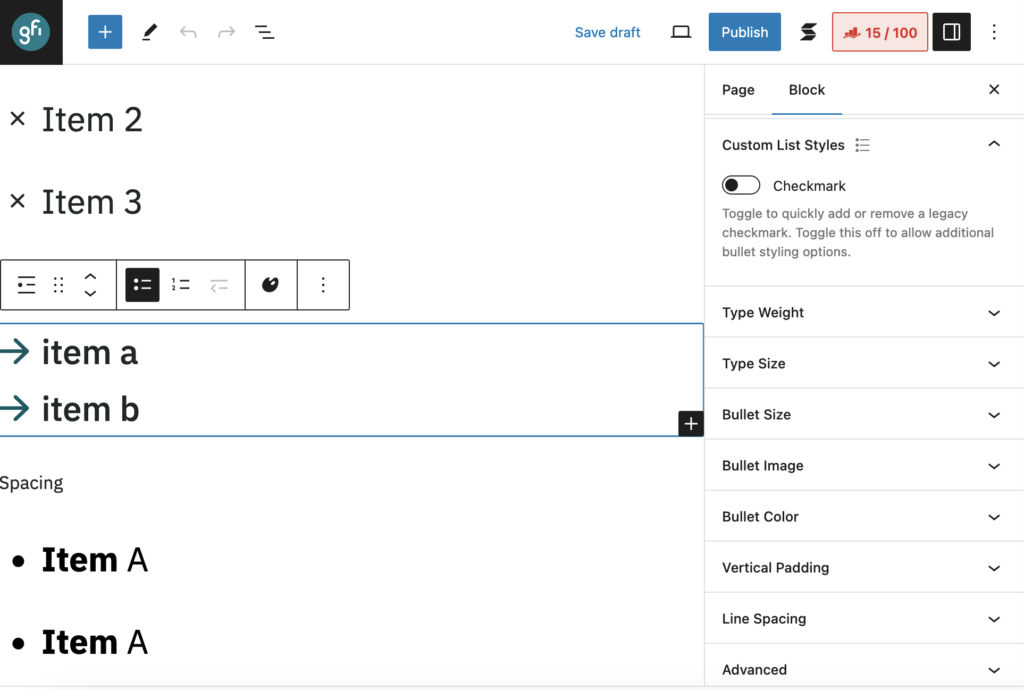
A new feature has been to deployed to add more styling options to bulleted lists in the GFI Theme.
When editing a list block, you can now see the following new styling controls:
- Type Weight
- Type Size
- Bullet Size
- Bullet Image
- Bullet Color
- Vertical Padding
- Line Spacing
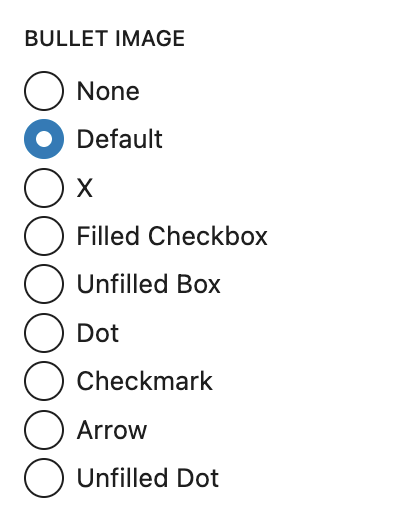
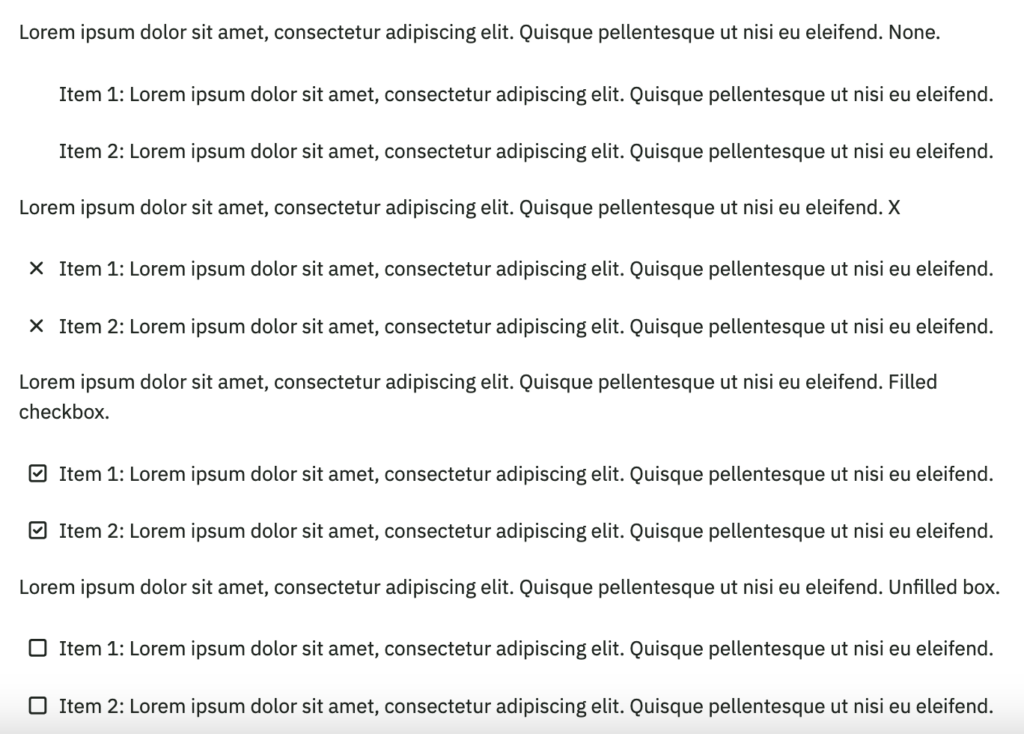
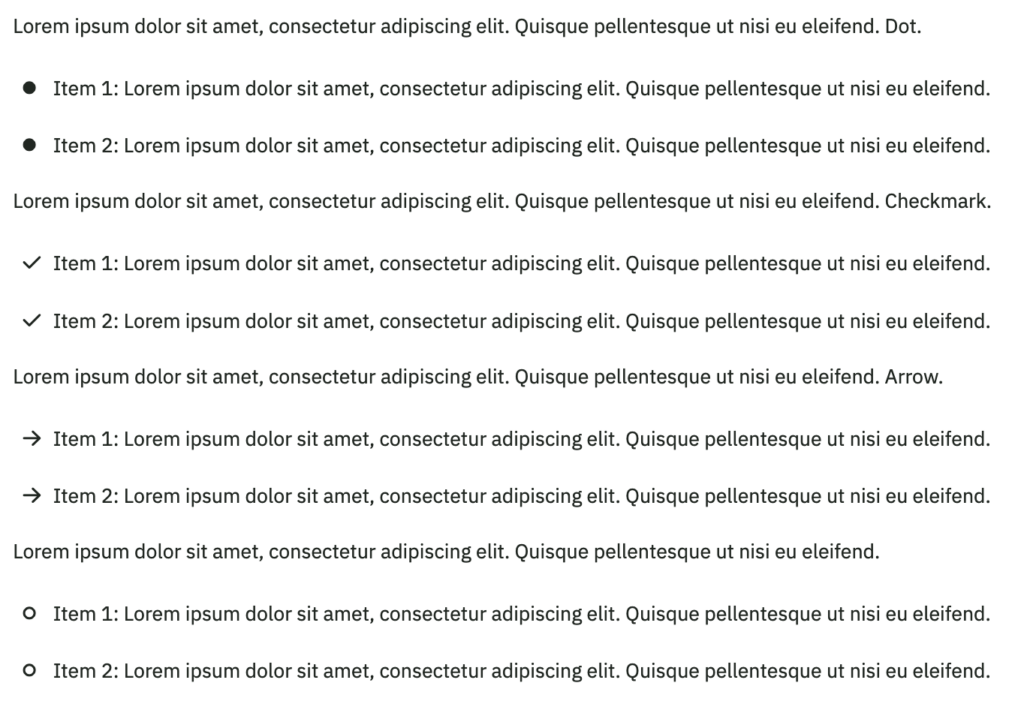
In addition to the previously added Checkmark style, the bullet images now include the following choices:
- None
- Default
- X
- Filled Checkbox
- Unfilled Box
- Dot
- Checkmark
- Arrow
- Unfilled Dot
If you need a quick bullet style, just use the checkmark toggle or simply leave the controls as-is.
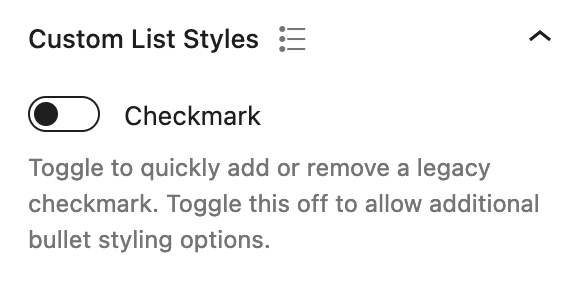
If you need more control over bullet appearance, use the menu options described above but do not combine these styles with the checkmark toggle or with WordPress core typography controls affecting the same styles (ie type size or type weight). Trying to combine these may result in unexpected behavior outside of the control of our Theme, especially as WordPress core gets updated.
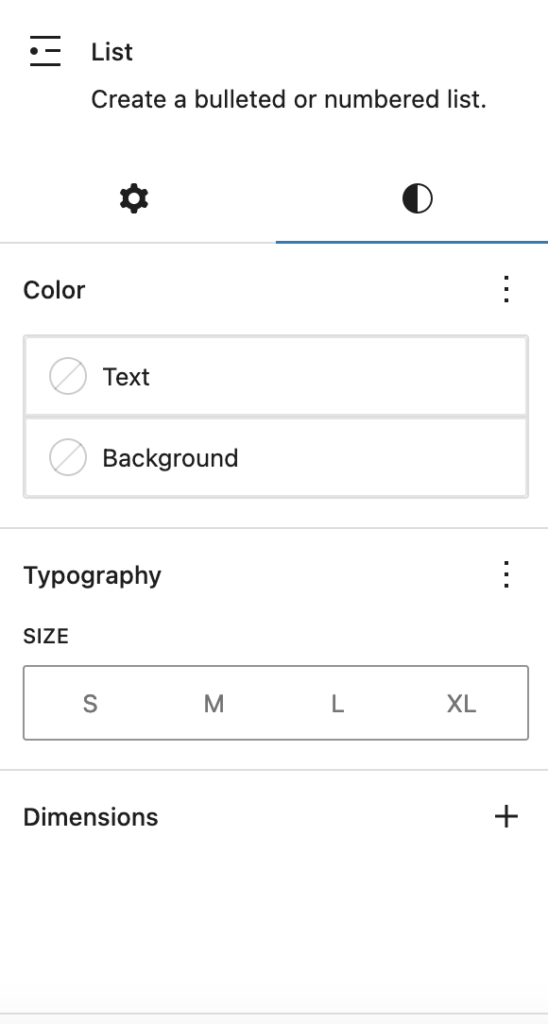
These are some controls that are NOT recommended if you have already used the bullet styling controls described above to style a bulleted list: