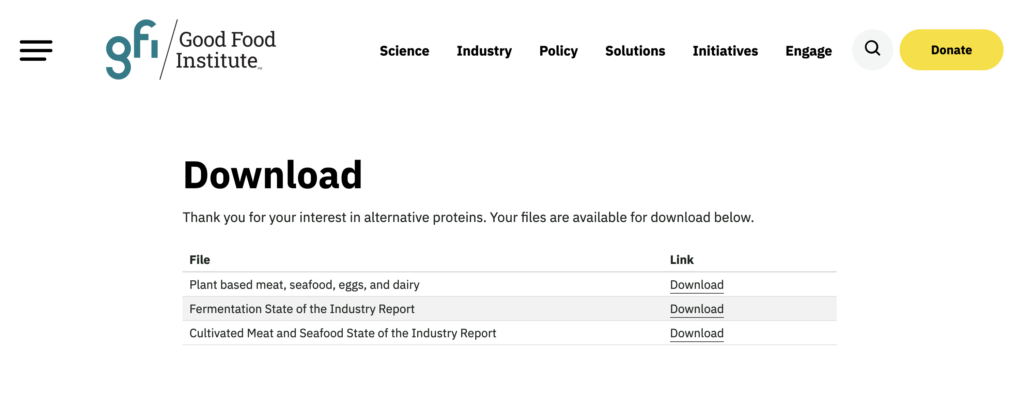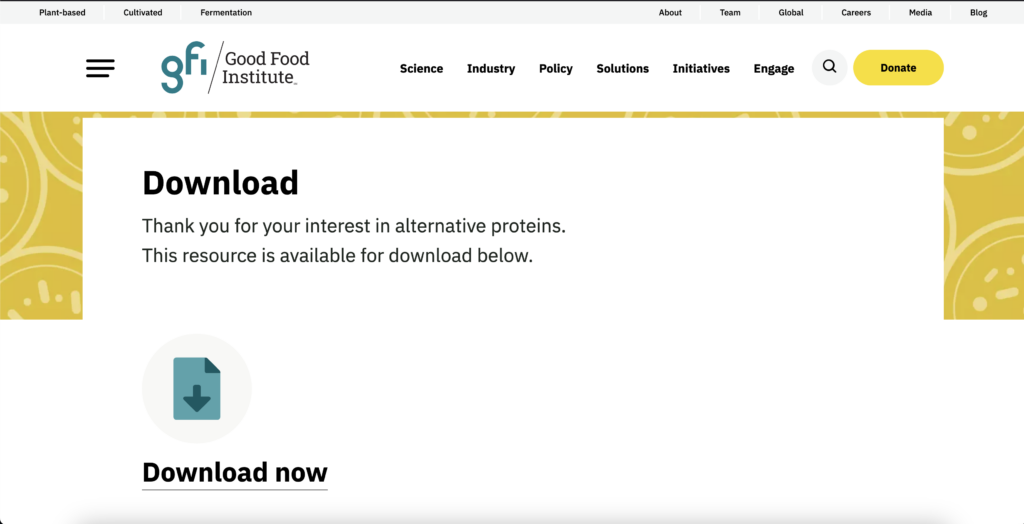
On GFI US and GFI APAC, a dedicated “download page” is utilized to deliver assets to users via specified URL parameters. An example of a structured URL looks like the following:
https://gfi.org/download-page/?message=This resource is available for download below.&file=/plant-based-meat-eggs-and-dairy-state-of-the-industry-report-pdfThis approach came with security vulnerabilities that allows malicious users to inject HTML into the document. When adjusting the URL, users could add elements not intended for end users to receive.
To fix this, a new download page was created that preserves the current utilization while fixing the security risks:
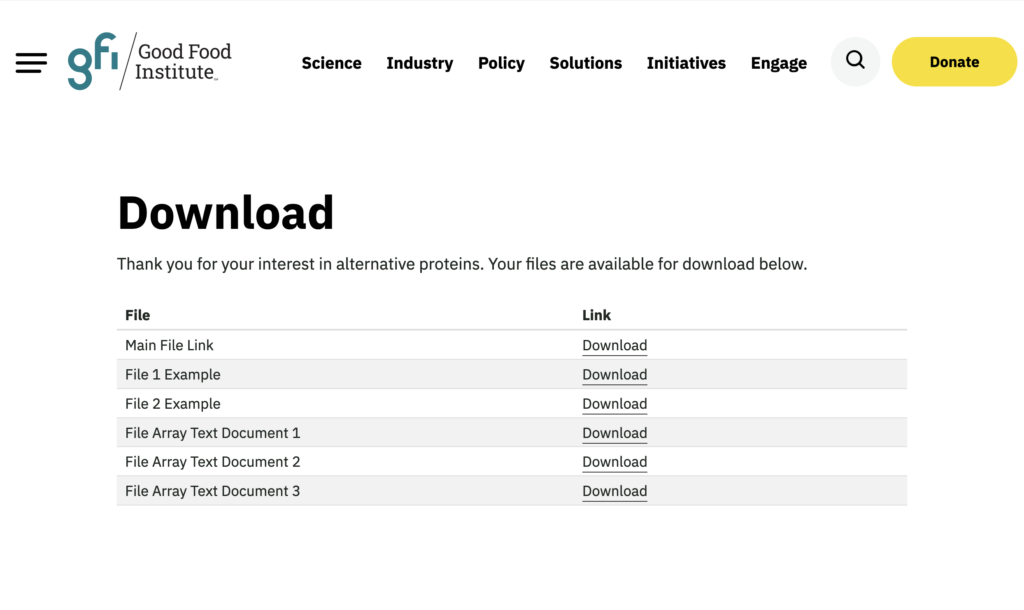
New functionality has also been added to allow for an array of files and labels with a cleaner table layout. URLs can be structured by utilizing the following GET variables:
Legacy Variables: These variables are preserved to ensure backwards compatibility.
| Name | Description |
| file | The URL of the main file to download |
| label | The label for the main file |
| file1 | The URL of the first file to download |
| label1 | The label for the first file |
| file2 | The label for the second file |
| message | A message to display to the user |
New Variables: These variables allow the administrator to queue multiple files and labels when creating URLs.
| files | An array of file URLs to download separated by semicolons |
| labels | An array of labels for the files separated by semicolons |
To utilize the new files and labels feature, a URL can be structured as follows:
https://gfi.org/download-page/?files=plant-based-meat-eggs-and-dairy-state-of-the-industry-report-pdf;fermentation-state-of-the-industry-report-pdf;cultivated-meat-and-seafood-state-of-the-industry-report-pdf&labels=Plant based meat, seafood, eggs, and dairy;Fermentation State of the Industry Report;Cultivated Meat and Seafood State of the Industry ReportThe result is a table format that lists out the different files available for download.