For websites running the GFI theme, the visibility feature to set a page or post to “password protected” now works as expected. You can set any page or post by entering into the WordPress admin panel and setting the “visibility” setting to password protected:

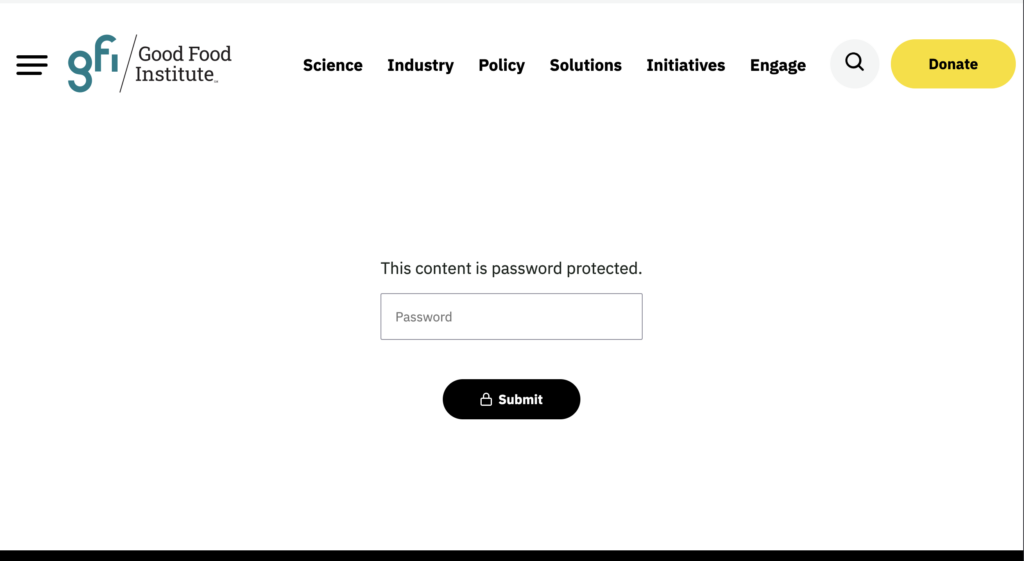
When visibility is set to “password protected”, the following screen will show for users:
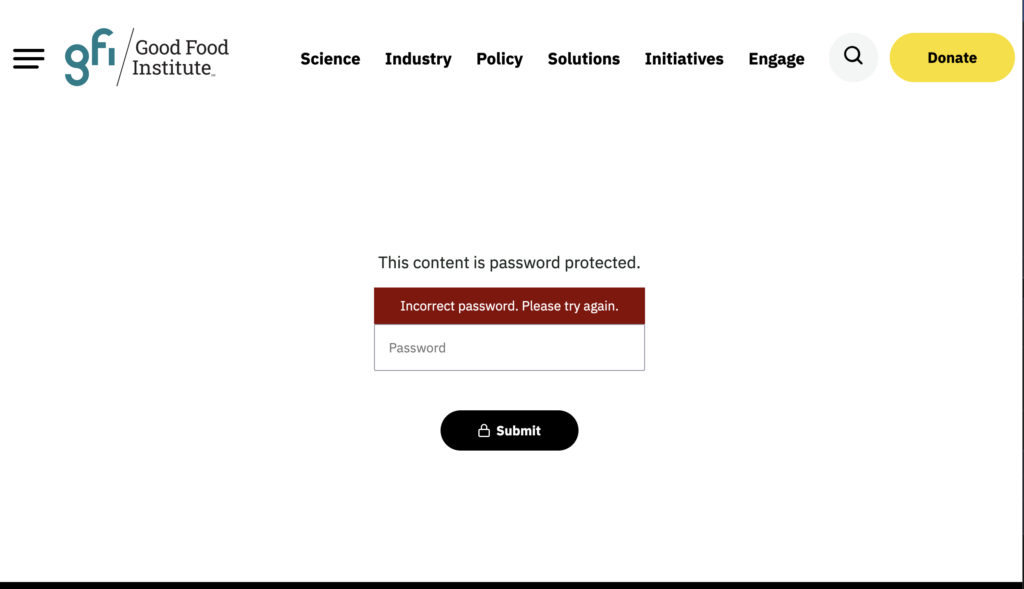
An incorrect password entry will result in the following view:
A correct password entry will reveal the content set in the WordPress editor: